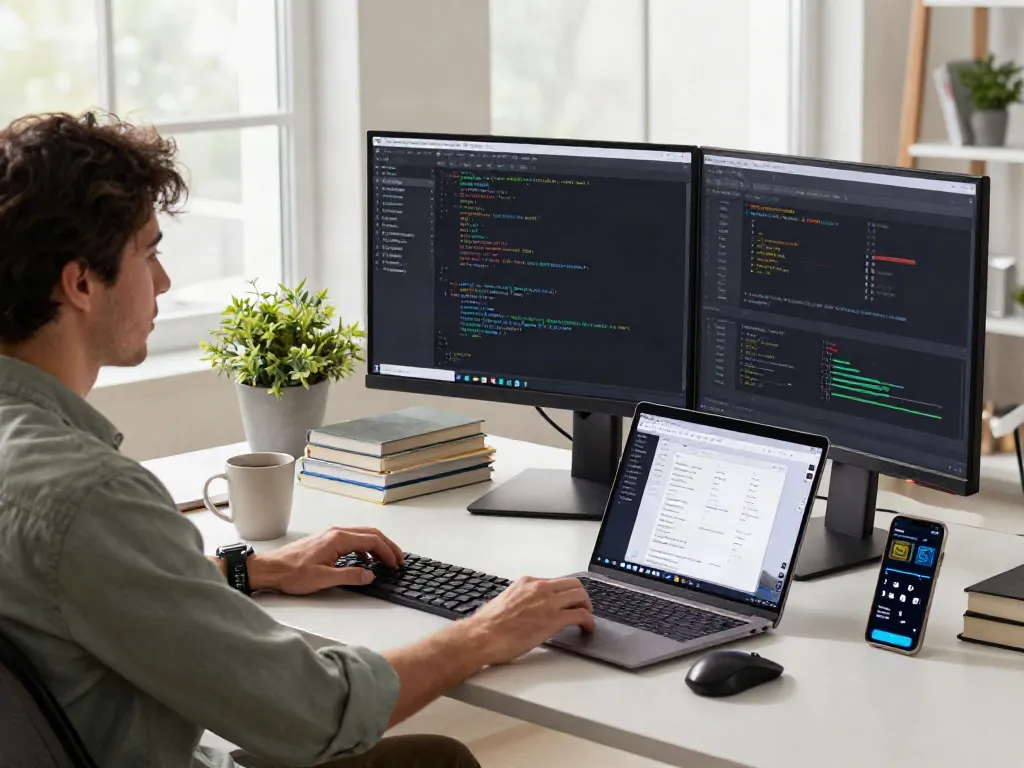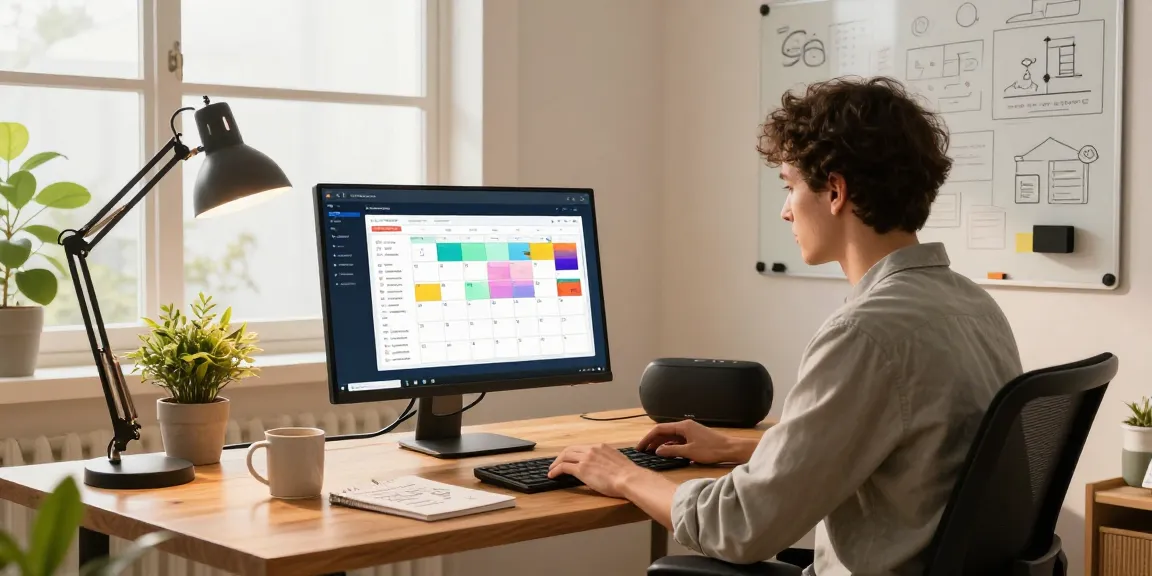
Understanding the Smart Desk Display
In an age where productivity is paramount, particularly in hybrid work environments, the need for innovative tools has never been greater. Enter the smart desk display, a device designed to merge functionality with aesthetics to enhance your workspace. These devices are not merely decorative; they serve as centralized hubs for managing tasks, displaying vital information, and streamlining workflows. As we delve deeper, we’ll explore what constitutes a smart desk display, its key features, and how it can revolutionize your workspace.
What is a Smart Desk Display?
A smart desk display is an electronic device that combines traditional display functionality with smart technology features. Unlike regular monitors, these displays often incorporate touch interfaces, connectivity options, and integrated applications. They can function as digital calendars, task managers, or even virtual assistants, effectively serving as an all-in-one solution for workspaces. With advancements in technology, smart desk displays have become essential tools for professionals looking to optimize their time and energy management.
Key Features and Technologies
Smart desk displays come packed with features that enhance user experience and efficiency:
- Touchscreen Interface: Allows for intuitive navigation and interaction.
- Connectivity: Supports Wi-Fi and Bluetooth, enabling integration with smartphones, tablets, and other devices.
- App Compatibility: Many displays can run productivity apps, such as task managers and calendars.
- Customizable Display: Users can personalize their dashboards to show relevant information such as emails, schedules, or reminders.
- Voice Control: Some models integrate voice assistant technology for hands-free operation.
Benefits of Integrating Smart Desk Displays
The integration of smart desk displays into the workplace offers numerous advantages, including:
- Enhanced Productivity: Quick access to information and reminders keeps users focused and organized.
- Real-time Collaboration: Easily share screens and information with team members, regardless of their location.
- Space Optimization: These displays help declutter your workspace by reducing reliance on physical notes and papers.
- Increased Motivation: Visualizing goals and achievements can boost morale and motivation.
Enhancing Productivity with Smart Desk Displays
Maximizing the potential of a smart desk display requires thoughtful setup and application. Below, we discuss how to integrate these devices into your daily routine effectively.
Setting Up Your Smart Desk Display for Optimal Use
For optimal utilization of your smart desk display, consider the following setup tips:
- Positioning: Place your display at eye level to reduce strain and improve accessibility.
- User Accounts: Create individual user accounts for team members to personalize their experience.
- Workspace Maintenance: Regularly update applications and maintain the physical space around the display for better focus.
Apps to Enhance Your Workflow
Numerous applications can complement a smart desk display, enhancing workflow and organization:
- Trello: A task management tool that offers collaborative project management.
- Google Calendar: Keep track of appointments and reminders efficiently.
- Evernote: An excellent option for note-taking and organizing information.
Effective Time Management Strategies
Incorporating time management strategies with smart desk displays can significantly boost productivity:
- Time Blocking: Use your display to allocate specific times for tasks, reducing context switching.
- Pomodoro Technique: Set timers on your display to break work into intervals, enhancing focus and stamina.
- Review and Refine: Regularly assess your productivity and adjust strategies accordingly.
Common Pain Points and Solutions
Despite their benefits, users may face challenges when using smart desk displays. Let's explore common pain points and potential solutions.
Limitations of Traditional Workspaces
Traditional workspaces often lack flexibility, leading to inefficiencies. Some limitations include:
- Static Layouts: Traditional desks can hinder creative workflow.
- Overdependence on Paper: Relying on physical notes can clutter the workspace.
- Limited Accessibility: Information might not be readily available to all team members.
Addressing Technical Challenges
Technical issues can impede the effective use of smart desk displays. Here are solutions to common challenges:
- Connectivity Problems: Ensure a reliable Wi-Fi connection and troubleshoot network issues as they arise.
- Software Glitches: Regularly update firmware and applications to minimize bugs.
- Device Integration: Verify compatibility between devices before purchasing additional hardware.
Overcoming Distractions in a Home Office Setting
Working from home can introduce various distractions. To mitigate them:
- Designate a Workspace: Create a dedicated area for work to improve focus.
- Set Boundaries: Communicate with household members regarding your working hours to minimize interruptions.
- Use Focus Tools: Some smart displays offer features like 'Do Not Disturb' modes to reduce notifications.
Real-World Applications and Case Studies
Several professionals and industries have successfully integrated smart desk displays into their workflows, yielding remarkable results. Here, we provide insights into their experiences.
Success Stories from Professionals Using Smart Desk Displays
Users across diverse fields have shared their success stories:
- Creative Professionals: Designers use smart displays to showcase portfolios and receive instant feedback.
- Project Managers: Enhanced visibility of project timelines leads to improved team collaboration.
- Remote Workers: The ability to stay connected with teams through these displays fosters a sense of belonging.
Industry-Specific Use Cases
Different sectors leverage smart desk displays in unique ways:
- Healthcare: Medical professionals use displays to track patient data effectively.
- Education: Teachers use smart displays for interactive lessons and student engagement.
- Corporate: Business executives utilize these tools for data presentations and strategic planning.
Lessons Learned from Implementing Smart Displays
Organizations can draw valuable lessons from their experiences with smart displays:
- Customization is Key: Tailoring display settings and applications to fit specific roles boosts overall effectiveness.
- Feedback Mechanisms: Incorporating user feedback into ongoing improvements enhances user satisfaction.
- Continuous Training: Regular training sessions on new features can improve staff utilization rates.
Future Trends in Smart Desk Displays
The landscape of smart desk displays continues to evolve, driven by technological advancements and shifting work paradigms. Below are anticipated trends shaping the future.
Innovations to Watch in 2026 and Beyond
Emerging technologies promise to enhance the capabilities of smart desk displays:
- Augmented Reality: Future displays may incorporate AR features to visualize complex data sets.
- Biometric Security: Enhanced security features to safeguard sensitive information on displays.
- Eco-Friendly Materials: The shift towards sustainable manufacturing practices is expected to impact future designs.
Impact of AI on Smart Desk Technologies
Artificial intelligence is poised to revolutionize smart desk displays:
- Personalized Experiences: AI can tailor content and recommendations based on user habits and preferences.
- Predictive Analytics: Smart displays may analyze workflow patterns to suggest time management improvements.
- Virtual Assistance: Enhanced virtual assistants that can interactively assist users in real-time.
Preparing for the Future of Hybrid Work Environments
As hybrid work continues to dominate, organizations must prepare for a more integrated future:
- Flexible Workspaces: Smart displays will play a central role in establishing flexible work arrangements.
- Interconnected Devices: The future will see smart desks integrated with other home and office technologies.
- Focus on Wellbeing: Innovations focusing on employee wellbeing and work-life balance are expected to grow.
What are the Benefits of a Smart Desk Display?
The benefits of adopting a smart desk display are multifold. From improved data visibility to enhanced workflow management, these tools can instigate a significant shift in workplace dynamics. They not only streamline tasks but also integrate various functions into a single device, reducing the need for multiple gadgets.
How Do Smart Desk Displays Improve Workflow?
By centralizing task management and communication in one place, smart desk displays help professionals minimize distractions and focus on their core responsibilities. With the ability to visualize tasks and deadlines, users experience a reduction in unproductive habits and interruptions.
What are the Best Smart Desk Displays in 2026?
As technology continues to evolve, several models are expected to lead the market in 2026. Features to look for include high-resolution displays, intuitive interfaces, and seamless integration with existing productivity tools. Brands focusing on user experience and efficient design will likely dominate consumer preferences.
Are Smart Desk Displays Worth the Investment?
When considering the long-term benefits associated with productivity enhancements and time savings, investing in a smart desk display is often justified. Many users report a significant return on investment through improved performance and workplace satisfaction.
How to Choose the Right Smart Desk Display for Your Needs?
Selecting the right smart desk display depends on individual needs. Consider factors such as size, connectivity, and functionality that align with your workflow. Evaluating reviews and focusing on user testimonials can provide guidance in choosing the best fit for your requirements.